
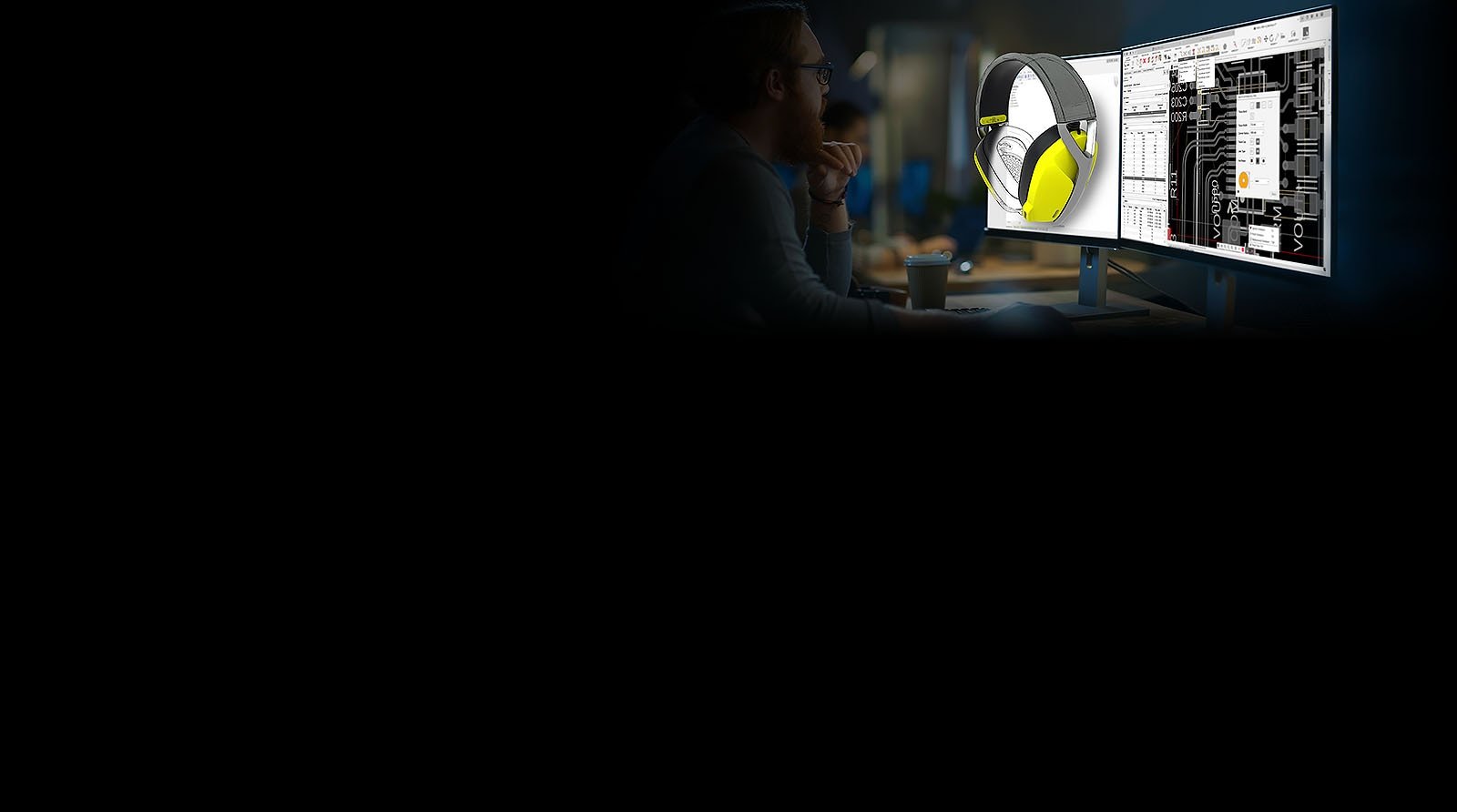
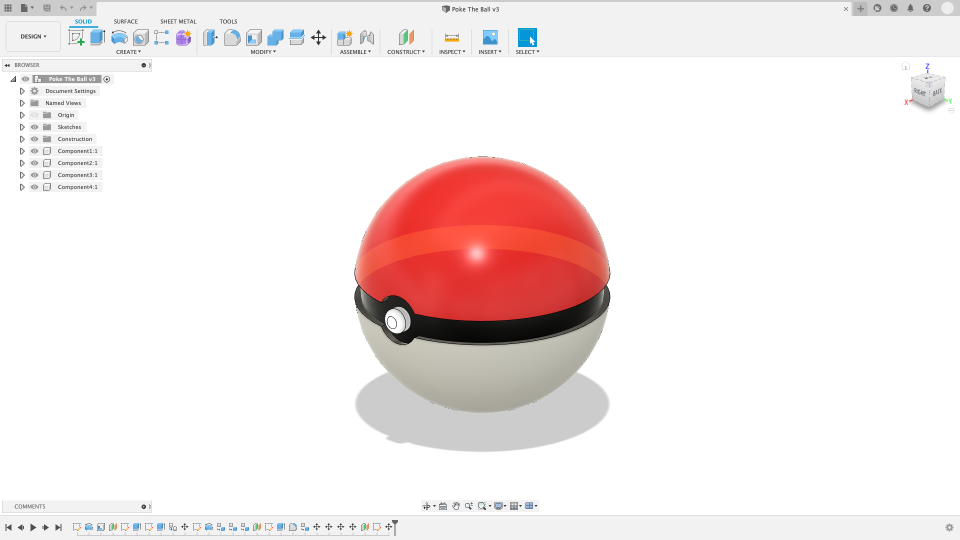
Autodesk Fusion (Fusion 360) is Autodesk’s cloud-connected design platform that combines 3D modeling, manufacturing, and simulation. On Autodesk’s product site it is positioned for product design and manufacturing teams — from concept through fabrication — not only as a hobby CAD tool.

Why makers use Fusion for printables
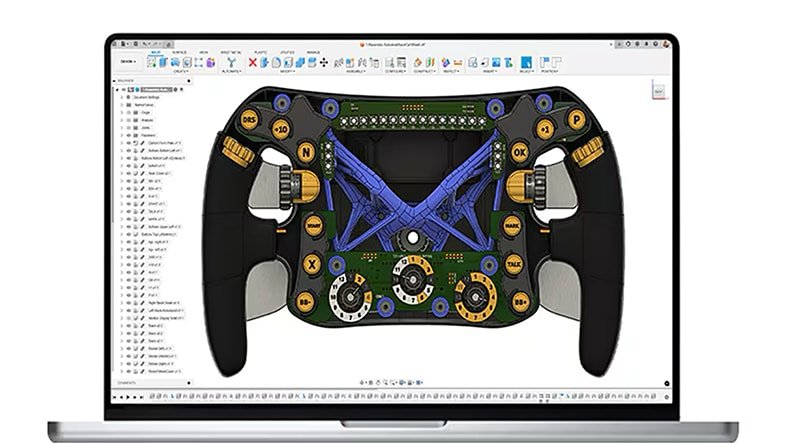
- Parametric solid modeling for functional brackets, enclosures, and fixtures
- Mesh tools to inspect and repair geometry before export
- Export to STL / 3MF for any mainstream slicer
- Optional manufacturing workspaces if you also CNC or cut parts
Typical print prep path
- Model or import your part in Fusion
- Check wall thickness and overhangs for FDM/resin
- Export mesh (STL/3MF)
- Open in Cura, PrusaSlicer, Bambu Studio, or OrcaSlicer
- Or compare against ready models from our 3D Printing catalog
Start from the official page: autodesk.com/products/fusion-360. Personal / educational plans may apply — check Autodesk’s current licensing.