
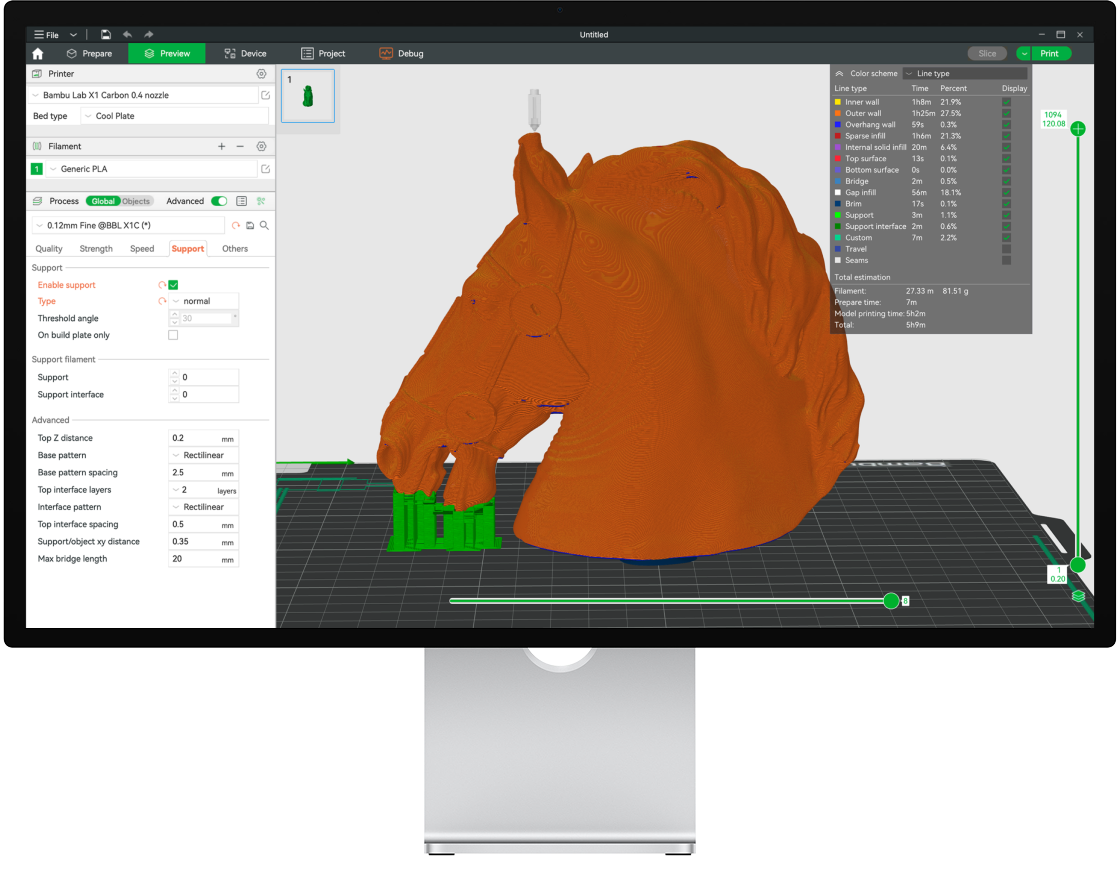
On the official download page, Bambu Lab describes Bambu Studio as “an open-source, cutting-edge, feature-rich slicing software” with project-based workflows, optimized slicing algorithms, and an easy-to-use interface for a smooth printing experience.

Main features (Bambu Lab)
- All-in-one 3MF projects — multi-plate support, project resource manager, assembly/part view
- High speed at quality — Arch Move, smart cooling per filament, auto slow-down on overhangs
- Colorizing tools for AMS — paint models and auto-map filaments to AMS slots
- Remote control & monitoring over WAN/LAN for one or many printers
- Strong support for STEP (arcs + assembly relationships) alongside STL/3MF
- 3D text tools with multiple fonts and styles
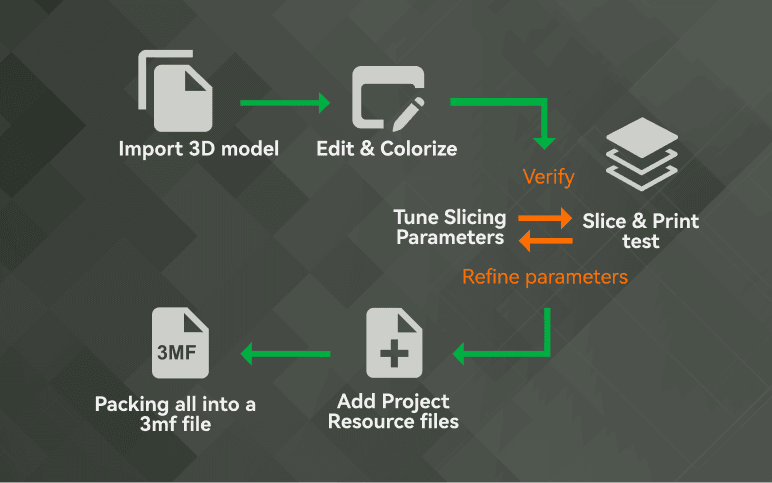

Cut Stock → Bambu Studio
- Download STL/3MF from 3D Printing
- Create or open a Bambu Studio project and import the file
- Choose your X1 / P1 / A1 (or compatible) profile and filament
- Paint AMS colors if needed, slice, and send the job to the printer
Get installers from bambulab.com/en/download/studio or Bambu Lab’s GitHub releases.