
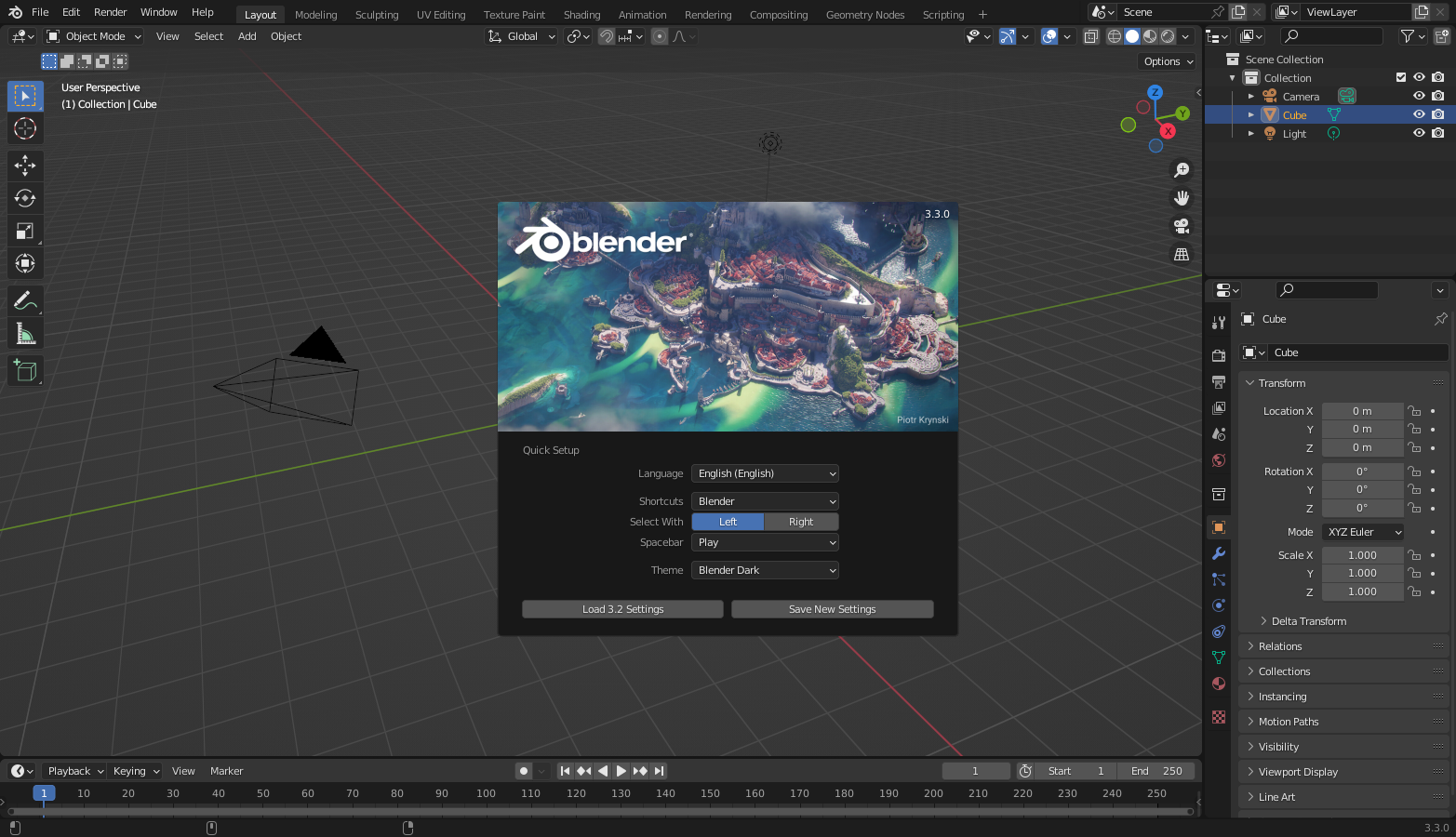
The Blender Foundation describes Blender as free and open-source 3D creation software — modeling, sculpting, animation, VFX, and more — licensed under the GNU GPL and hosted on blender.org. For 3D printing, makers mainly use the modeling and mesh-editing toolset to clean geometry before slicing.

Useful Blender capabilities for print prep
- Import STL/OBJ and inspect non-manifold edges
- Scale to real-world millimeters
- Boolean union/difference for printable solids
- Remesh / voxel tools for hollow or organic models
- Export STL/OBJ for any slicer
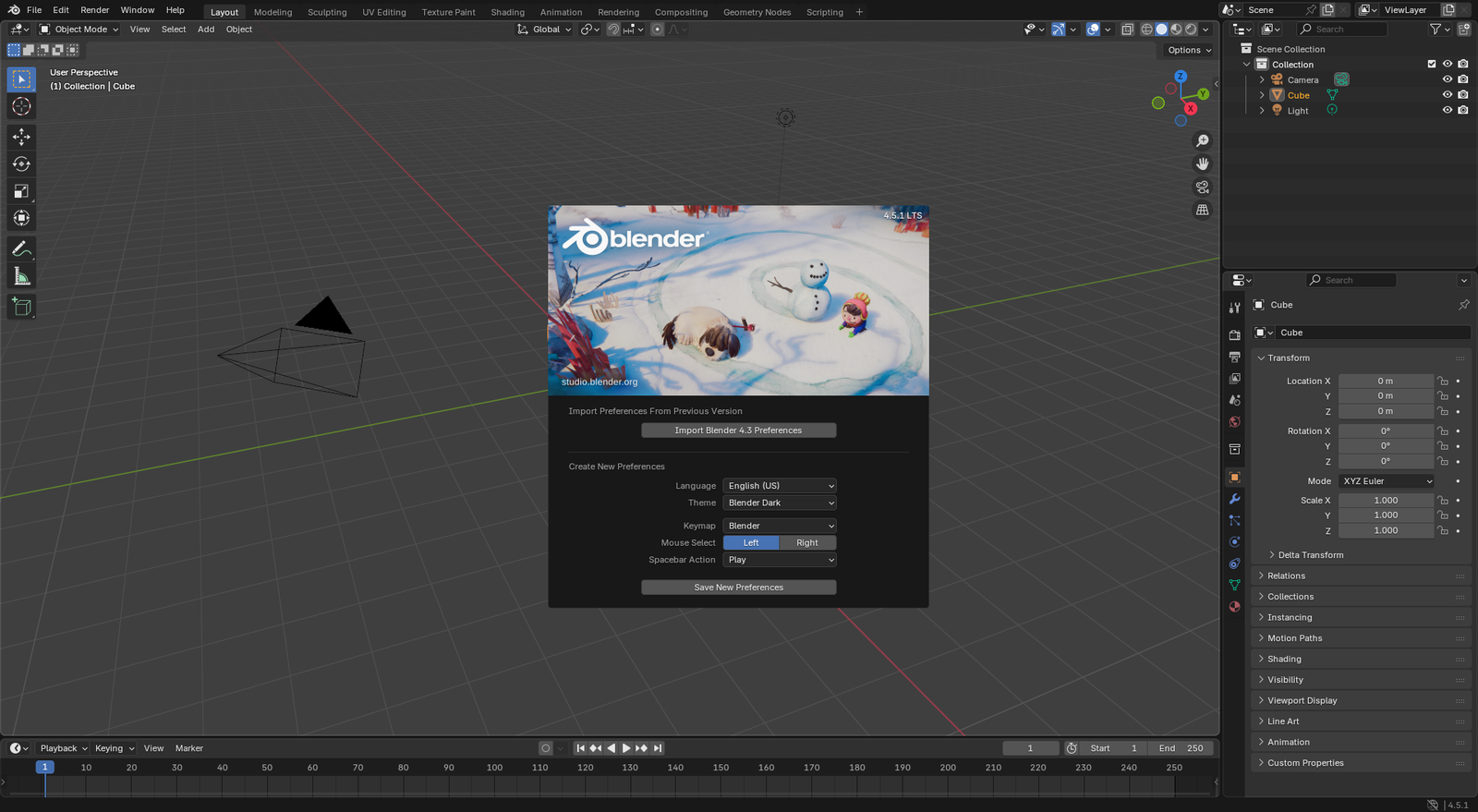
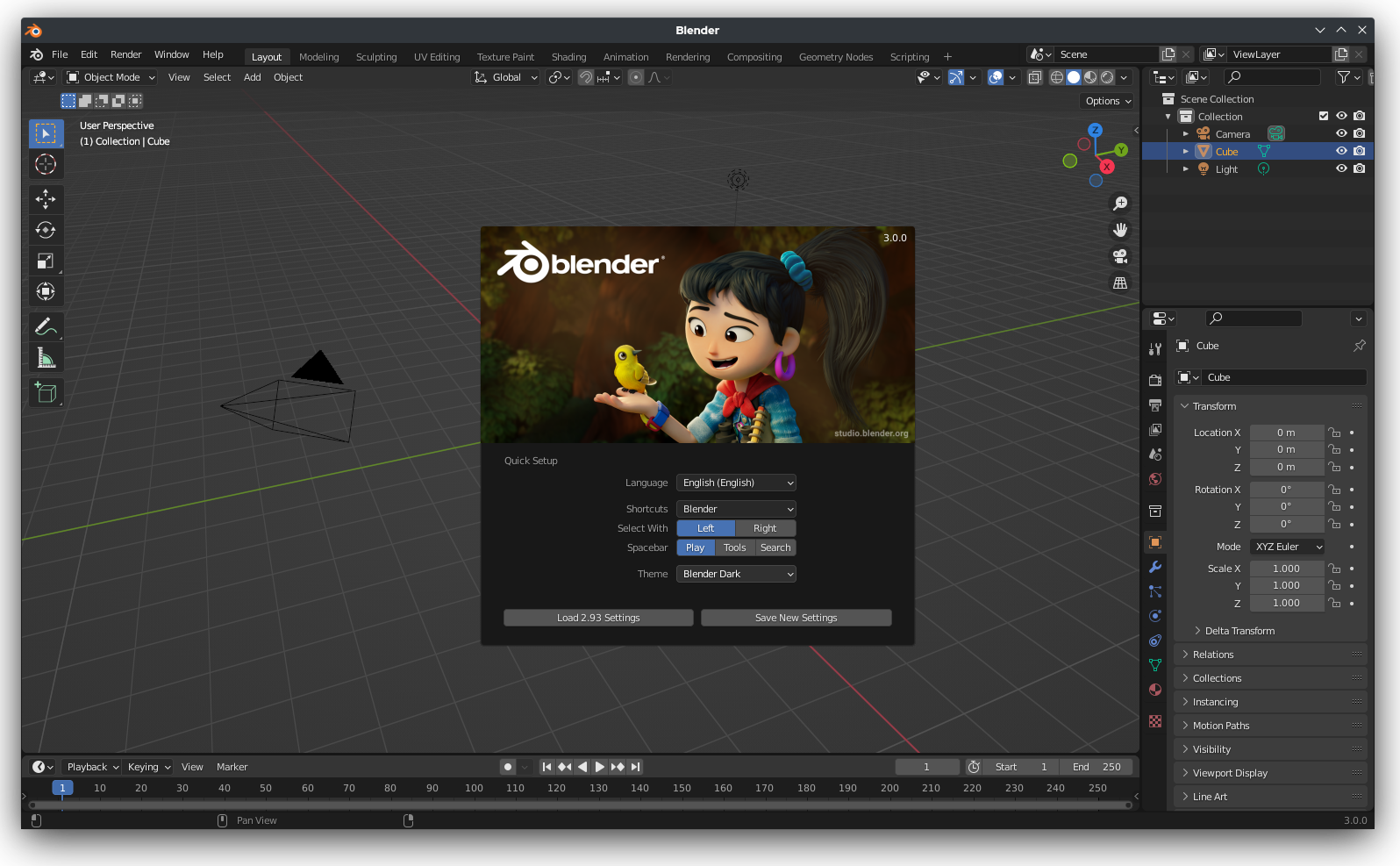
Simple prep checklist
- Open the downloaded model from Cut Stock (or your own sculpt)
- Apply scale, fix normals, remove internal faces
- Export STL/OBJ
- Slice in Cura, PrusaSlicer, Bambu Studio, or OrcaSlicer
Download Blender from blender.org only.