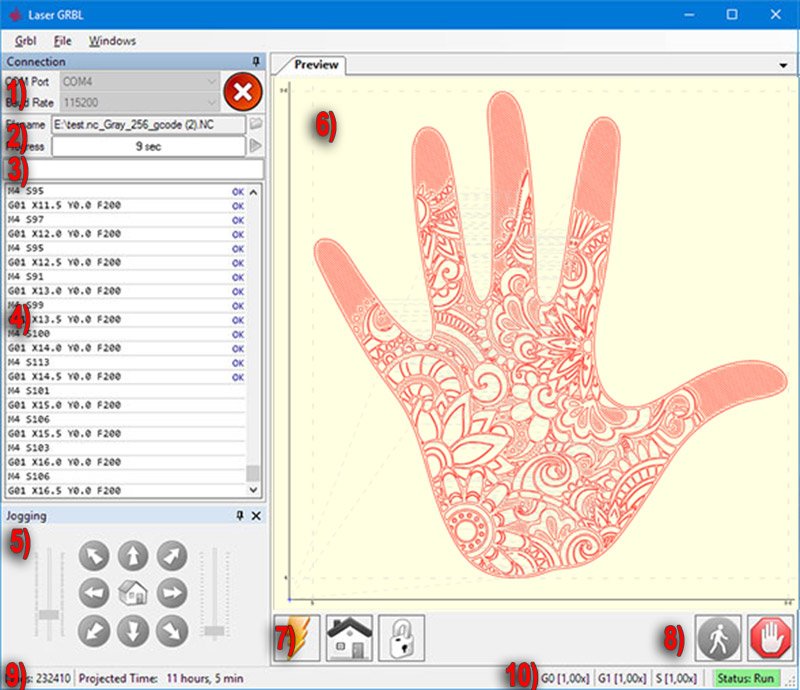
LaserGRBL is free, open-source Windows software for hobbyist laser engravers. The official site introduces it as one of the best Windows tools for image laser engraving: load images, pictures, and logos and send them to your laser in a few clicks. It is written specifically for hobbyist cutters/engravers and is compatible with machines based on Grbl v0.9 and Grbl v1.1.

What LaserGRBL offers (from lasergrbl.com)
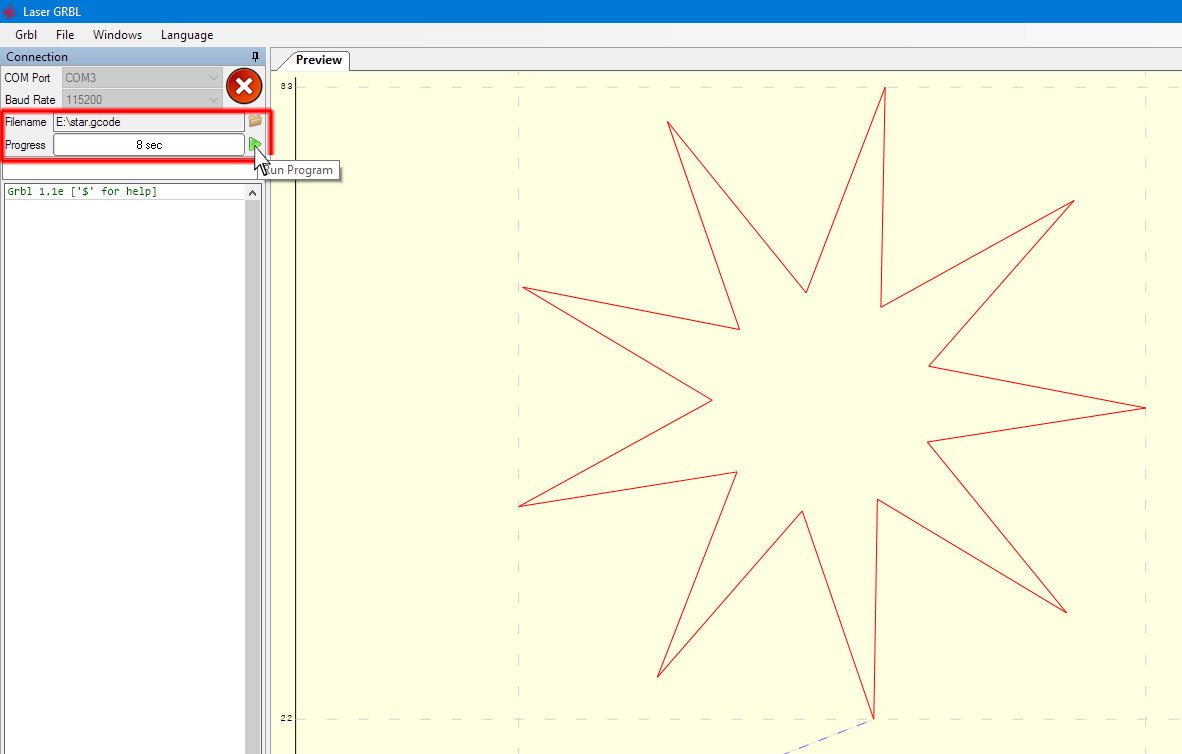
- Load G-code with job preview
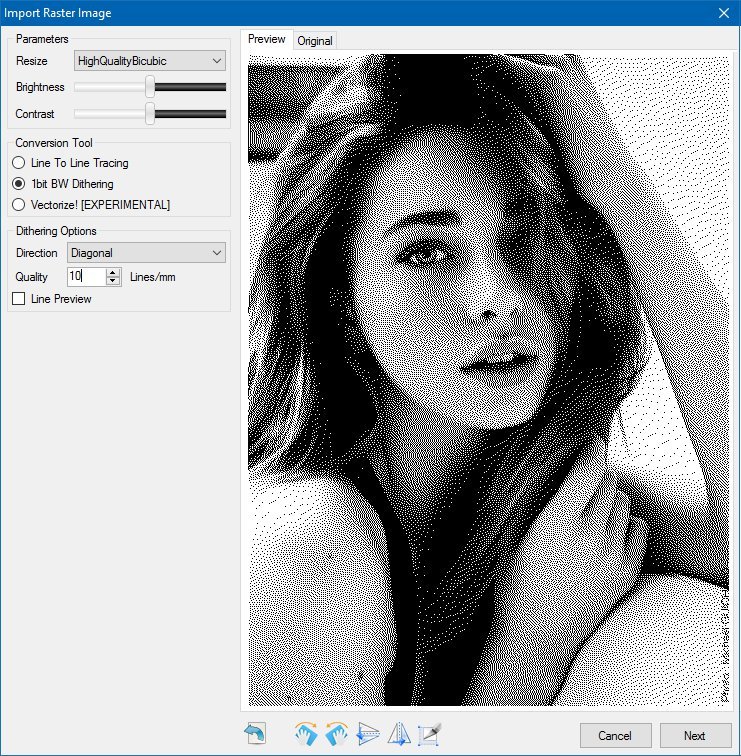
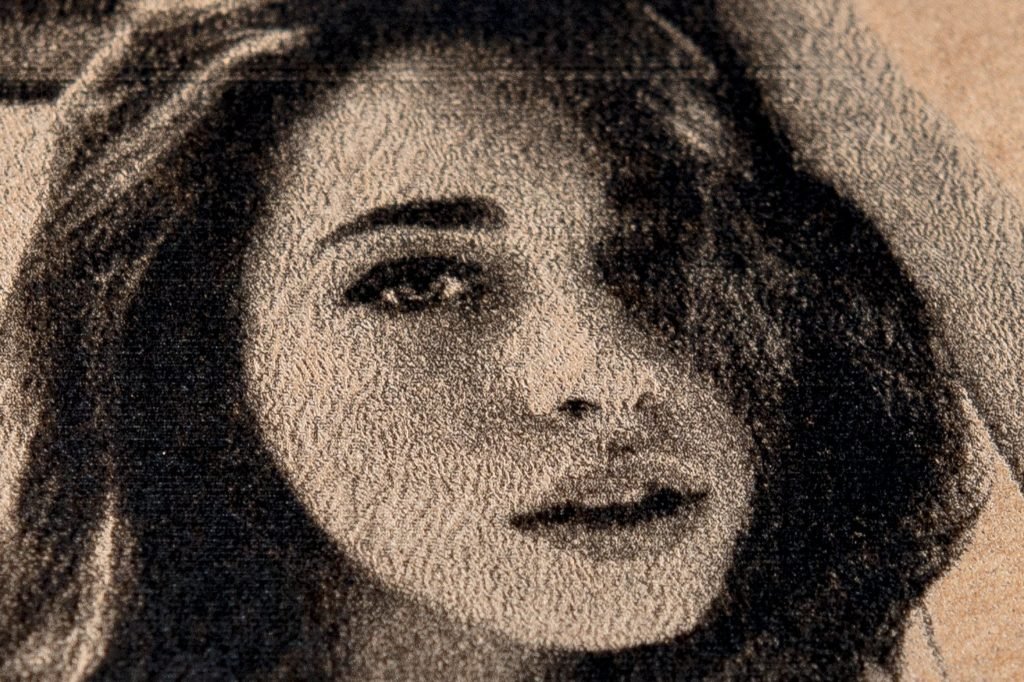
- Image engraving with grayscale conversion, dithering, and vectorization
- User-defined custom buttons
- Color schemes optimized for different safety glasses
- Grbl configuration import/export and alarm/error decoding (v1.1)
- Homing, Feed Hold, Resume, and Reset controls
- Job time preview and realtime projection
- Jogging and power/speed overrides (Grbl > v1.1)
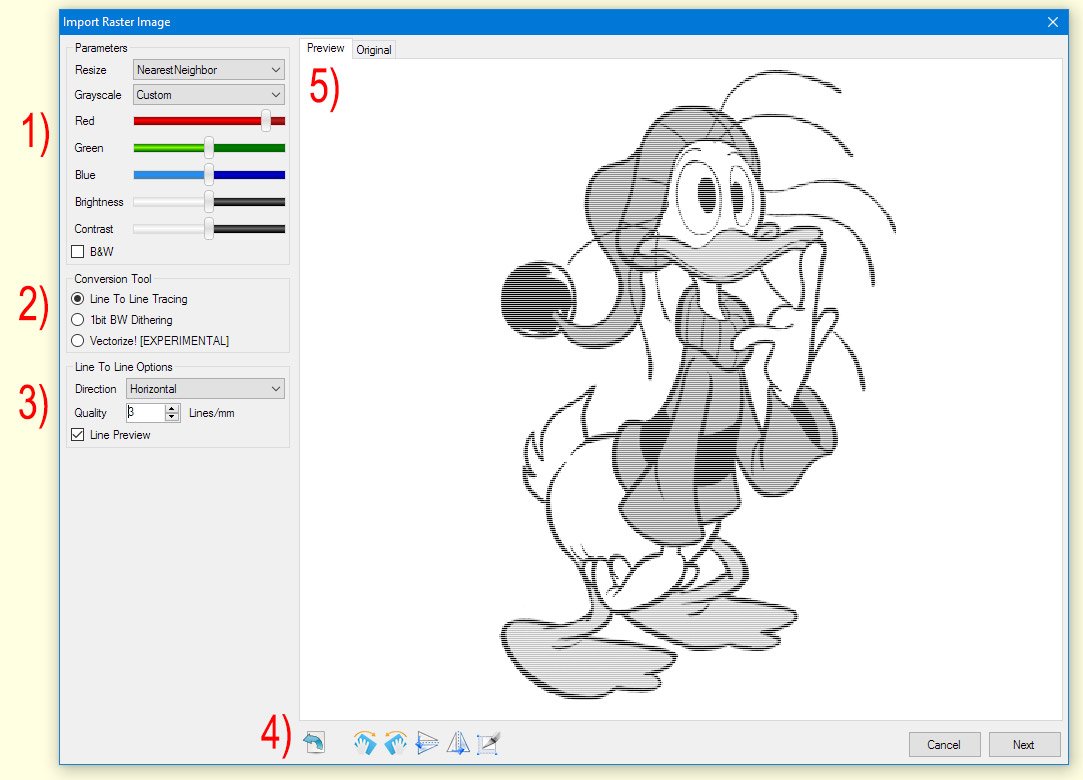
Raster import & engraving tools
LaserGRBL’s advanced usage docs cover raster import with line-to-line grayscale, dithering, and vectorization tools — useful when you start from a photo or logo instead of a clean SVG.
Using Cut Stock SVG / DXF with LaserGRBL
- Download vector files from Cut Stock
- If you need a bitmap job, export a high-resolution PNG from your vector app, then use LaserGRBL’s raster import
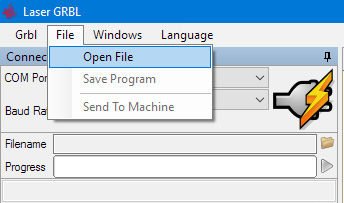
- Or generate G-code in another CAM tool and use Load file in LaserGRBL
- Connect via USB to your Arduino/GRBL controller, preview, then send
LaserGRBL positions itself as a free, easy alternative to tools like PicEngrave, Benbox, T2Laser, or LightBurn when you only need a simple, effective GRBL streamer — not a full CAD suite.
Download only from lasergrbl.com or the official GitHub project github.com/arkypita/LaserGRBL. The project is free and open source — support the developer via the donation options on the site if you find it useful.