
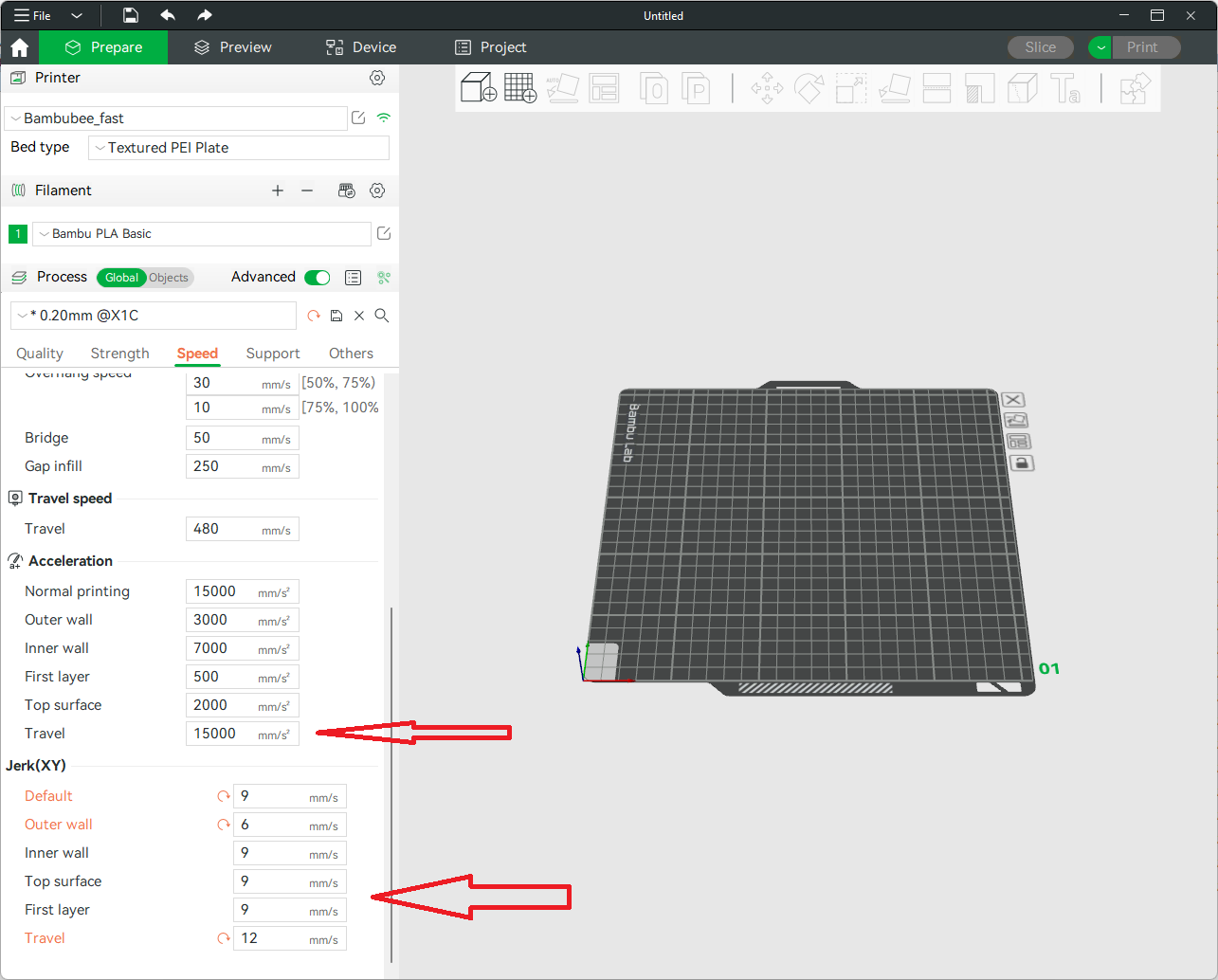
OrcaSlicer is an open-source G-code generator maintained by the OrcaSlicer community (originating from SoftFever’s work). The GitHub project describes it as a slicer for Bambu, Prusa, Voron, VzBot, RatRig, Creality and other FDM ecosystems — building on the PrusaSlicer / Bambu Studio lineage with extra calibration and quality tools.

Why advanced users pick OrcaSlicer
- Broad printer ecosystem profiles (Bambu Lab, Prusa, Voron, Creality, RatRig…)
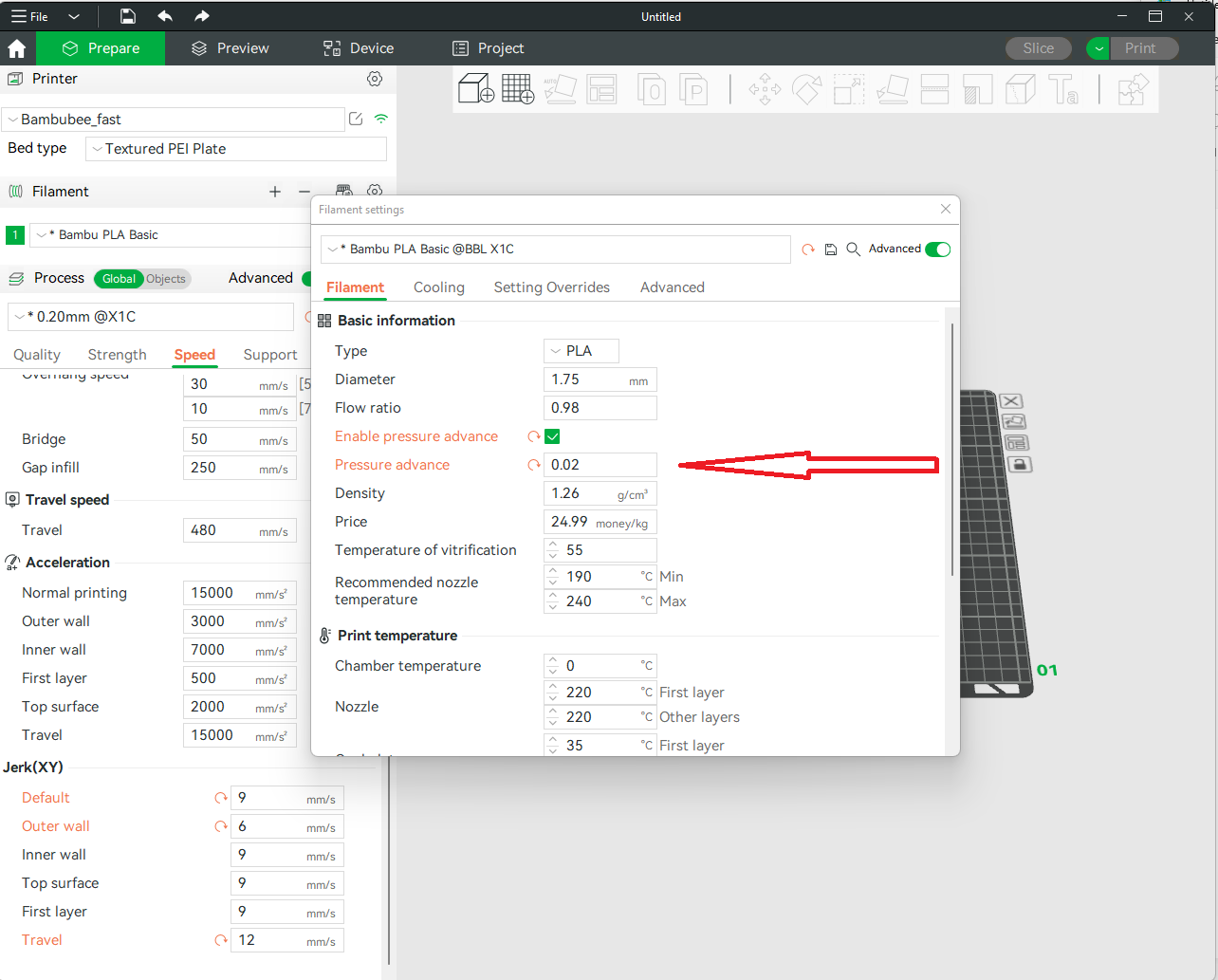
- Calibration helpers for pressure advance, flow, and tolerances
- Familiar project/3MF workflows for makers coming from Bambu Studio or PrusaSlicer
- Active open-source release cadence on GitHub
Marketplace models → OrcaSlicer
- Import Cut Stock STL/3MF
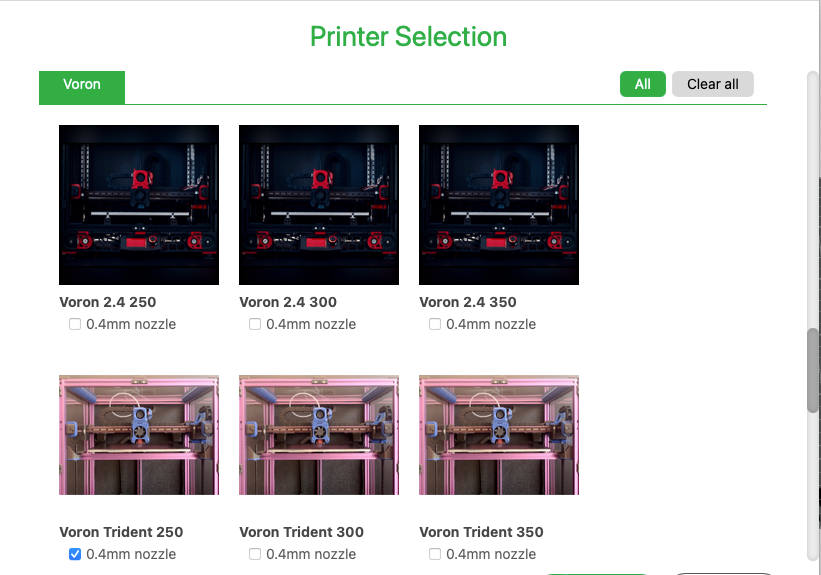
- Select your printer family profile
- Run calibration prints if you are tuning a new filament
- Slice and export G-code / 3MF for your machine
Install from the official repository: github.com/SoftFever/OrcaSlicer (also mirrored under the OrcaSlicer org).