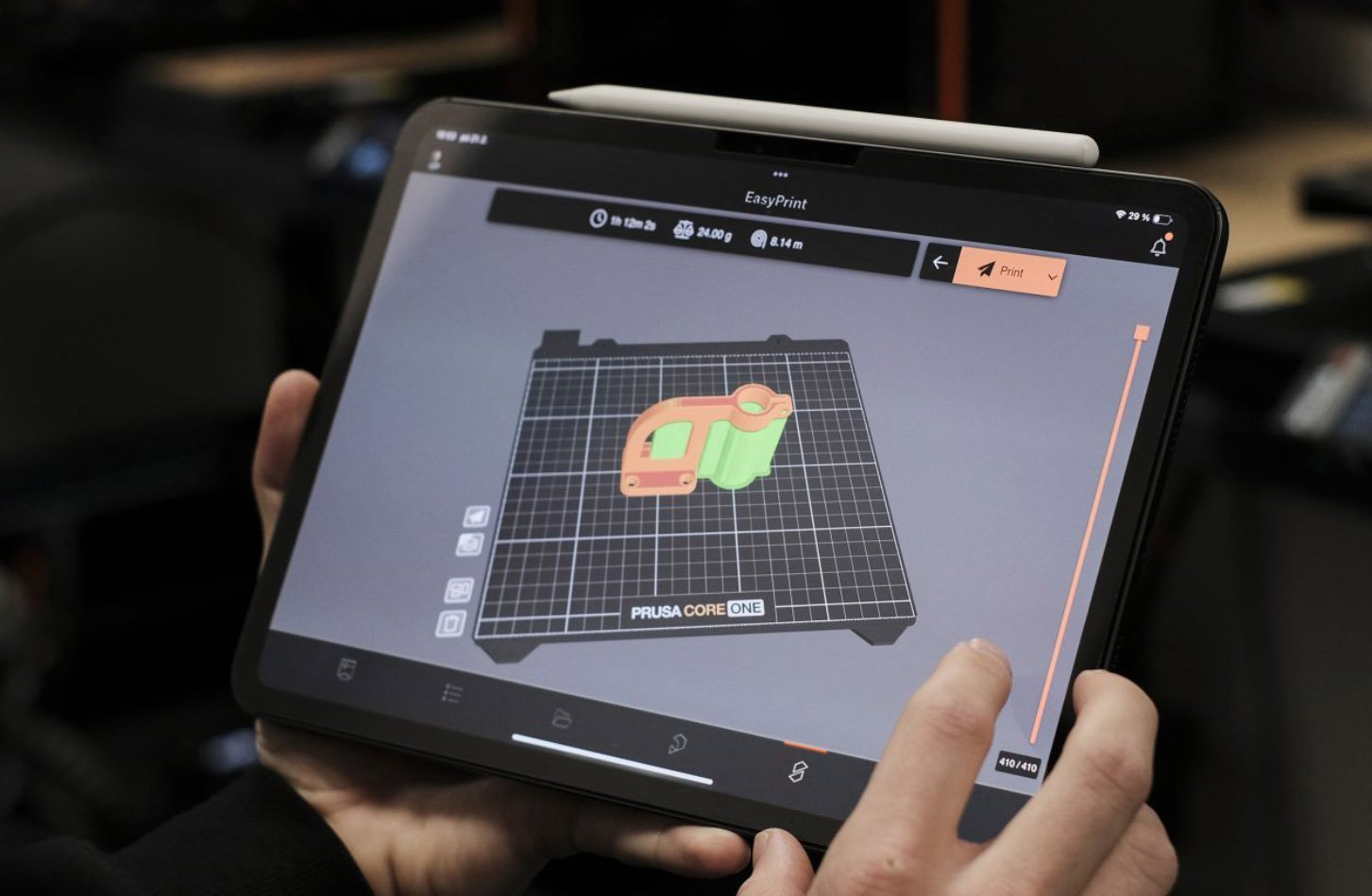
Prusa Research markets PrusaSlicer as: “Turn a 3D file into a finished part. The software that powers the 3D printing industry. Free. Open-source. No account required. Runs on your machine.” It runs on Windows, macOS, and Linux, with optional EasyPrint for tablet/phone workflows.

Highlights from the official PrusaSlicer page
- Three modes — Simple, Advanced, Expert in one app
- 200+ tested profiles for Prusa printers and filaments, with automatic profile updates
- Works offline — slicing stays on your computer
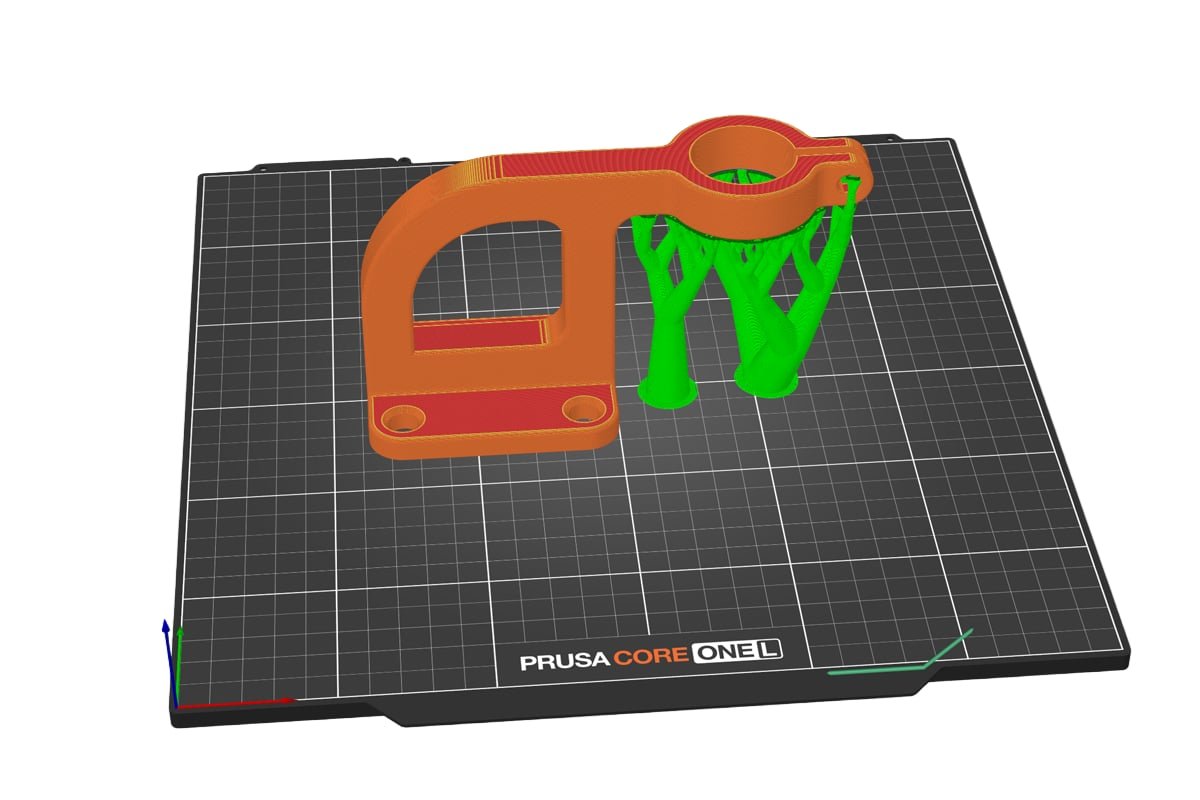
- Organic supports that touch the model only where needed
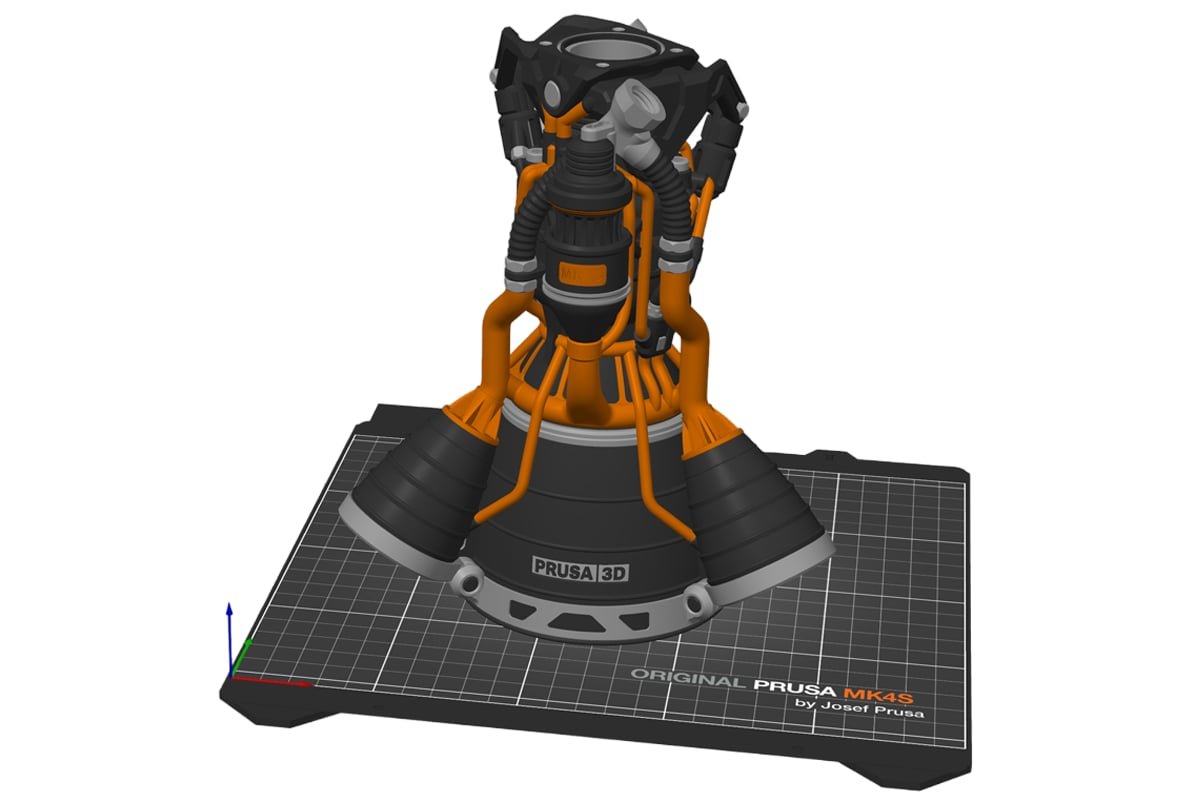
- Multi-material painting with brush/fill tools for MMU and multi-extruder setups
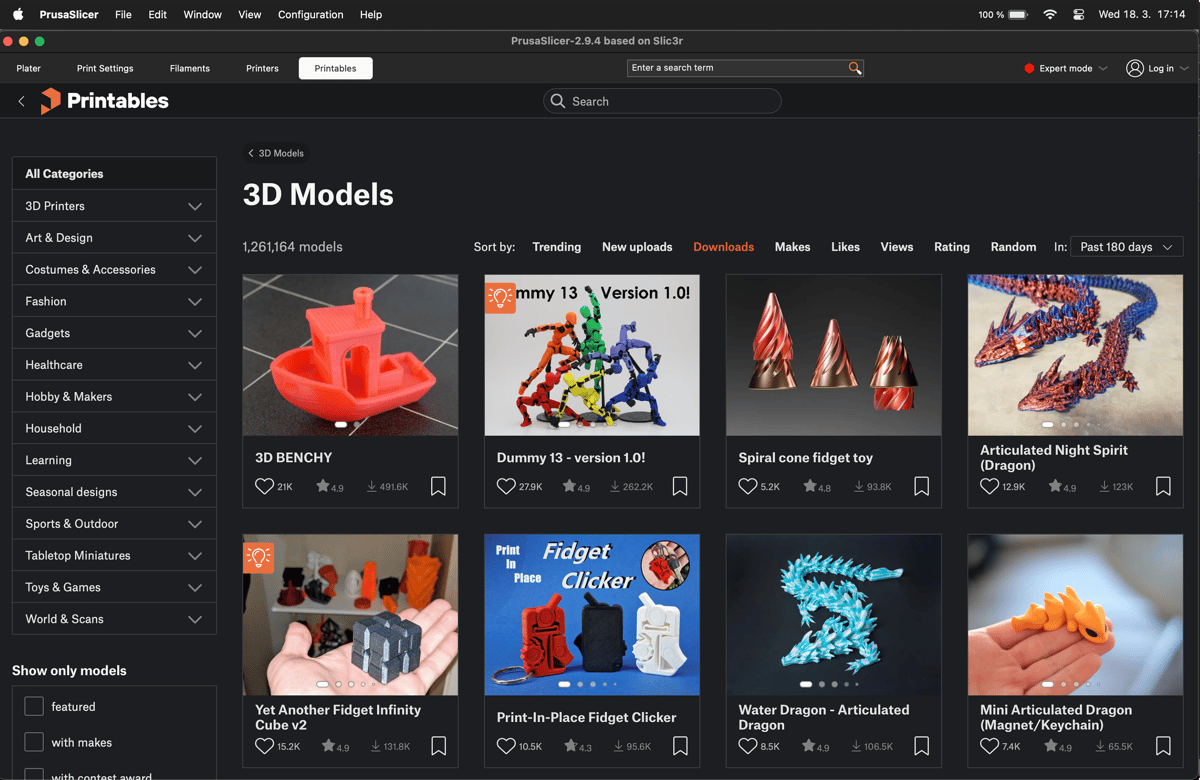
- Built-in Printables.com browser to import models without app switching
Using Cut Stock models
- Import your marketplace STL/3MF
- Pick a printer + filament profile (or a third-party FDM profile)
- Paint supports only where overhangs need them
- Slice and send over LAN, Prusa Connect, OctoPrint, or Klipper when available
Download only from prusa3d.com or the official GitHub releases.