
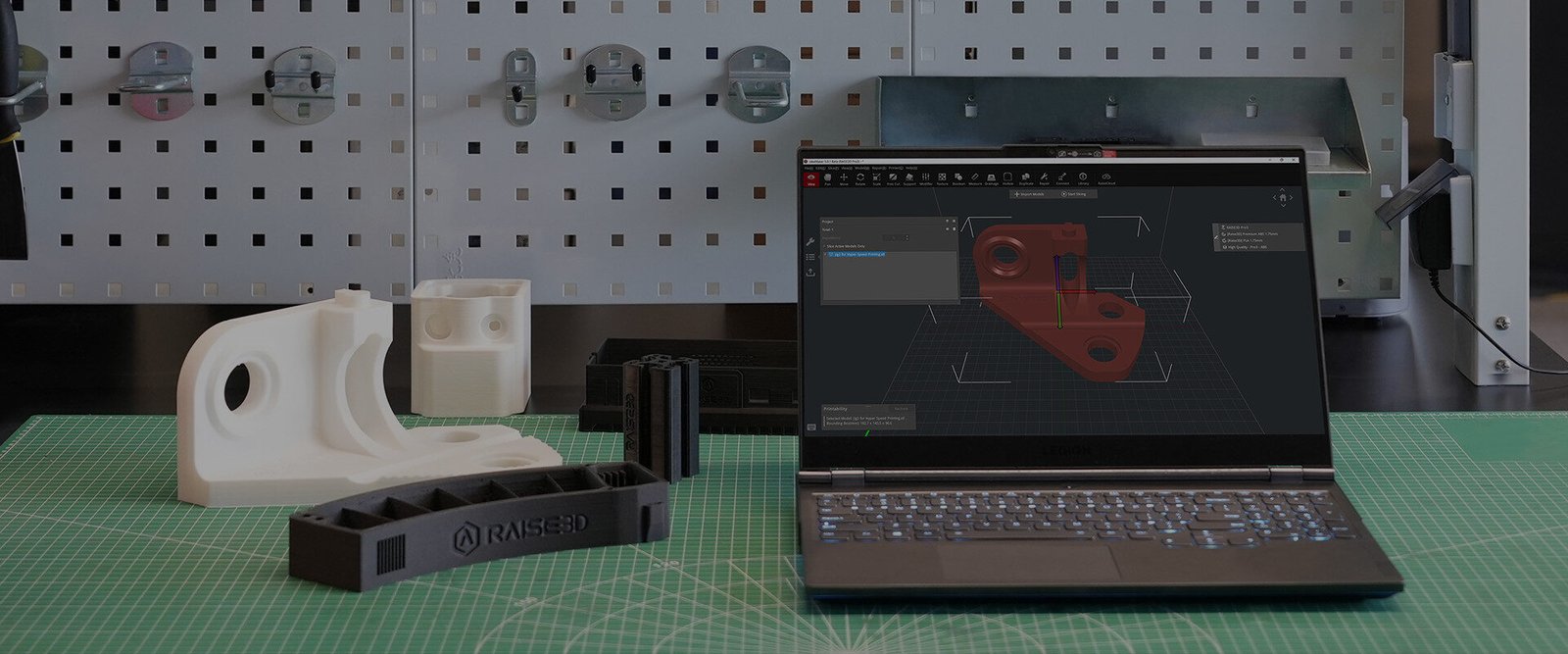
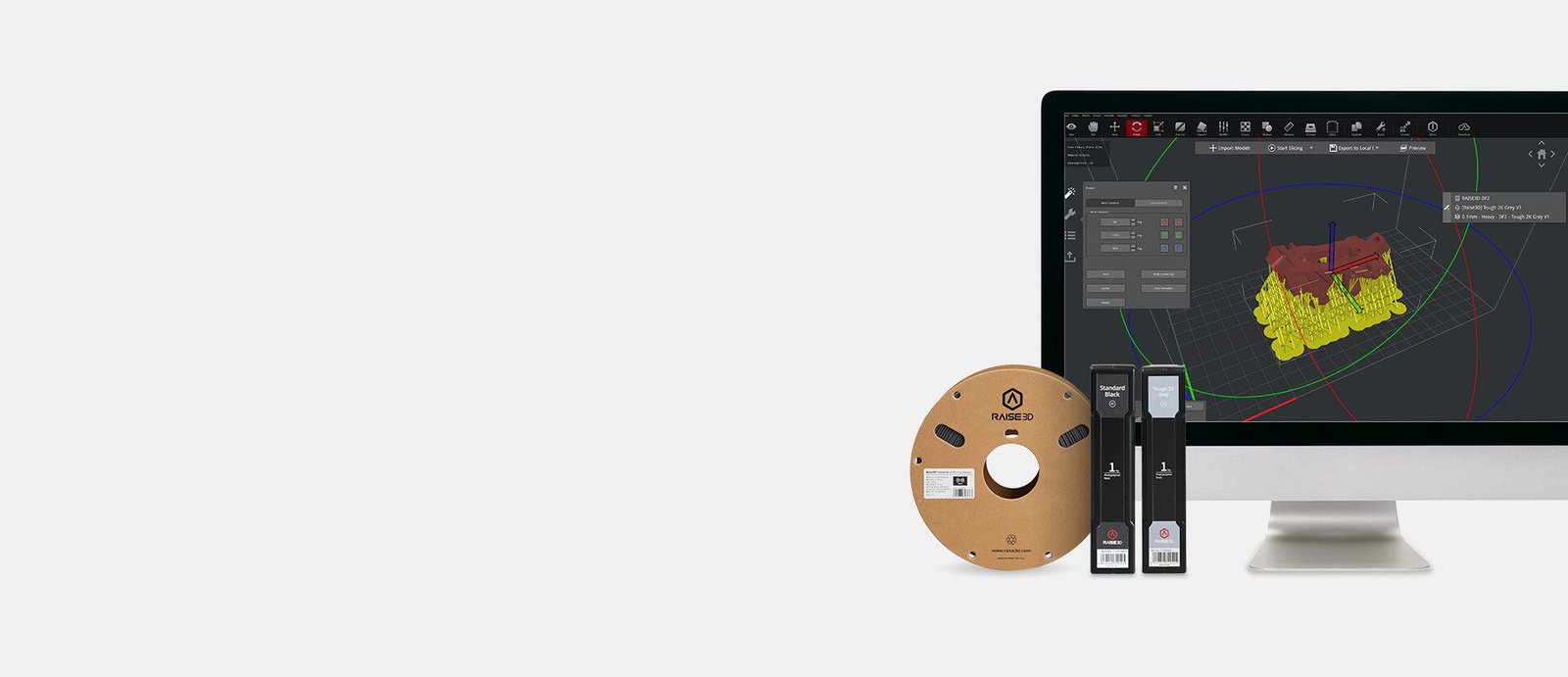
On Raise3D’s official site, ideaMaker is described as “Advanced Slicing Software for AM Production” — engineered to unlock Raise3D FFF and DLP solutions, with curated material profiles and professional tools for reliable results.

Features highlighted by Raise3D
- Curated slicing profiles for Raise3D filaments and resins, plus the ideaMaker Library for third-party materials
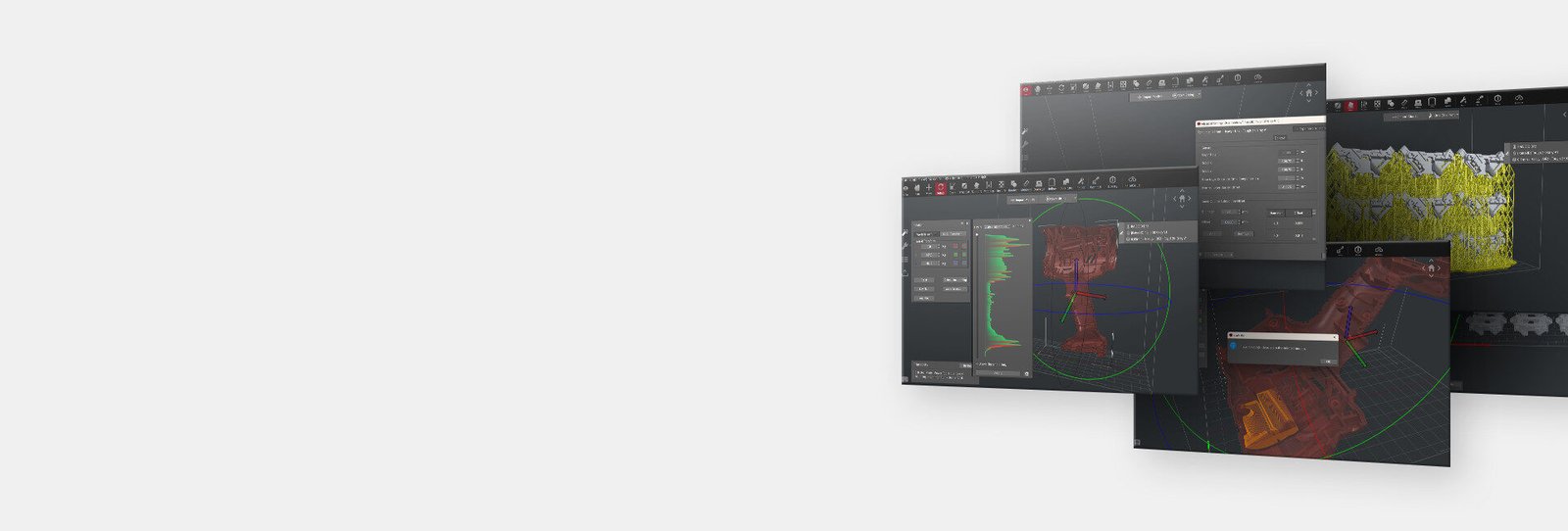
- Advanced slicing preview — toolpath simulation with speed, layer height, extruder, and structure info
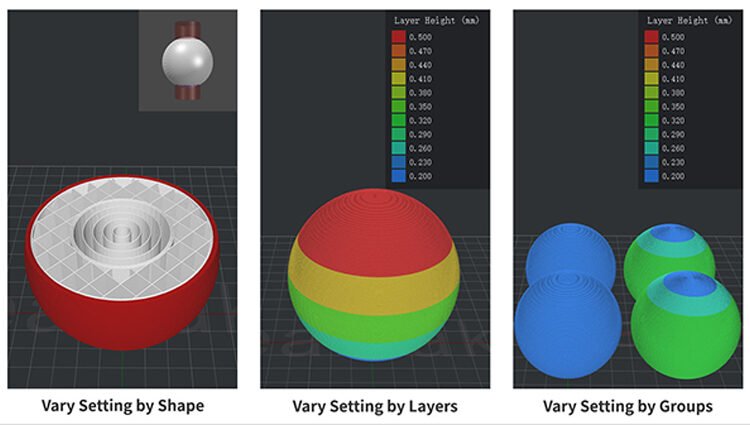
- Adaptive parameter settings for layer height, infill, and supports to save time and material
- Per-group / per-layer / per-volume parameter overrides
- Texture generation from greyscale images
- DLP tools for Raise3D DF2 / DF2+ (print, wash, cure templates)
- Inputs: STEP/IGES/3MF/OBJ/STL — outputs: GCODE and DLPCODE
With Cut Stock downloads
- Import STL/3MF/STEP from the marketplace
- Pick a Raise3D or compatible FFF profile (or Library template)
- Preview toolpaths, then export G-code / DLPCODE
Download ideaMaker from raise3d.com/ideamaker or Raise3D’s download center.