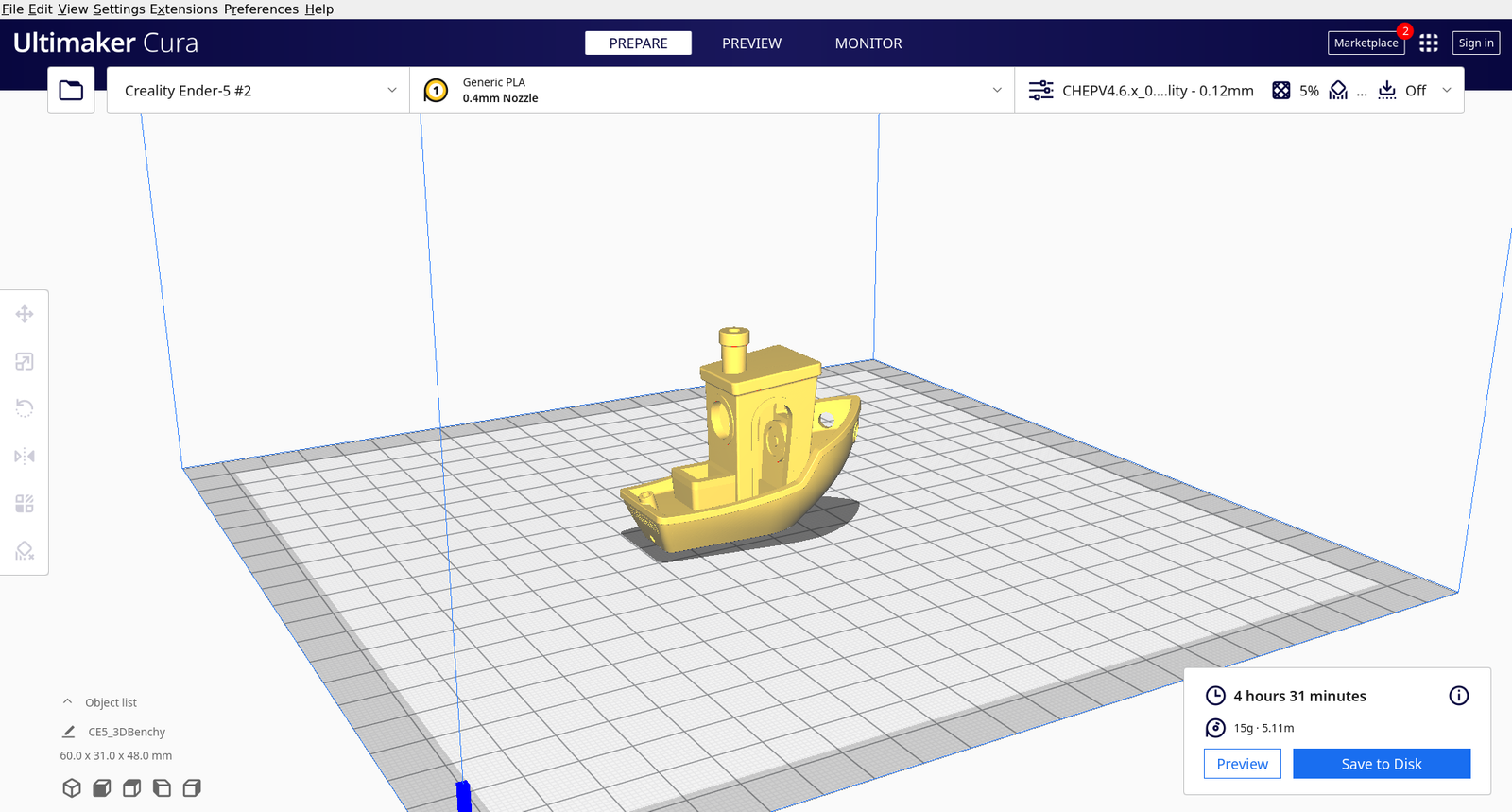
UltiMaker Cura is the free, open-source slicer from UltiMaker. On the official product page it is described as software that prepares 3D models for printing by turning STL and 3MF files into printer-ready G-code, with a large catalog of printer profiles and community-tuned settings.

What Cura does (from UltiMaker)
According to UltiMaker, Cura helps you:
- Open common mesh formats (STL, 3MF, OBJ and more)
- Apply printer and material profiles so layer height, temperatures, and speeds start in a safe range
- Add supports, brims, and adhesion helpers when geometry needs them
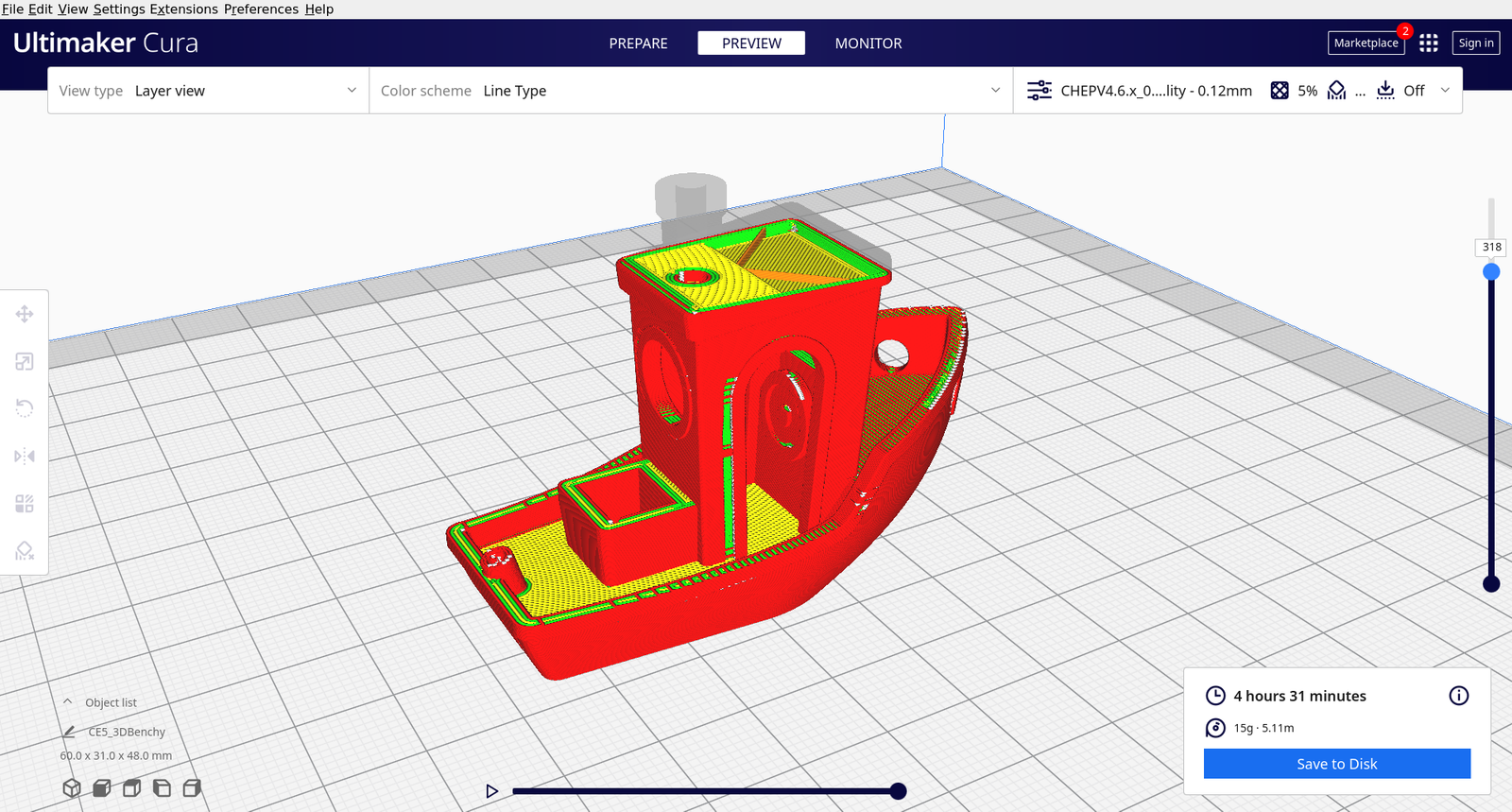
- Preview toolpaths before you commit filament and time
- Export G-code for a wide range of FDM machines
Suggested workflow with Cut Stock files
- Download an STL or 3MF from our 3D Printing category
- Open it in Cura and select your printer profile
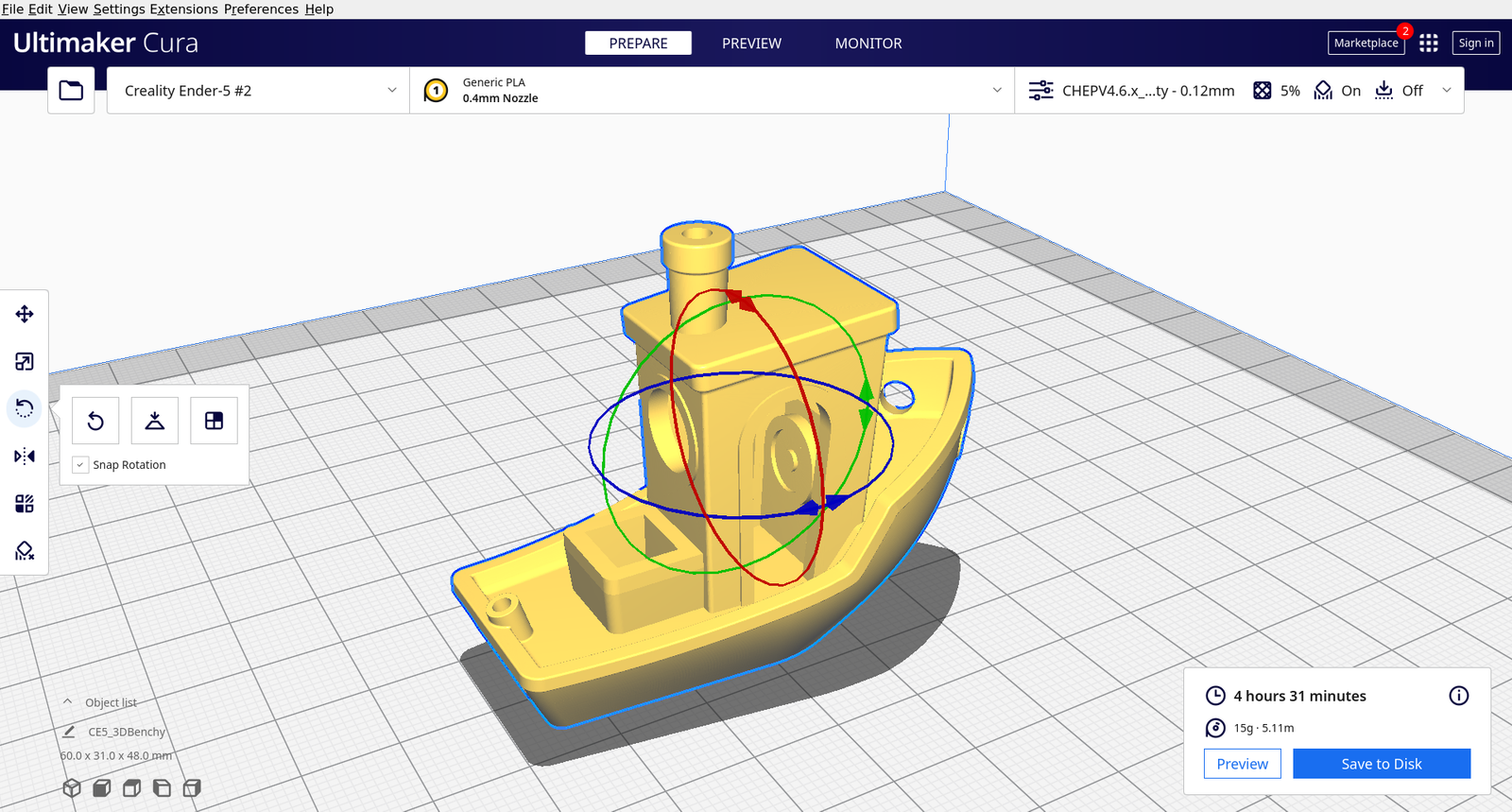
- Check scale (mm), orientation, and bed adhesion
- Slice, inspect the preview, then save G-code to your machine or SD card
Always download Cura from the official UltiMaker Cura page or UltiMaker’s GitHub releases — avoid third-party “cracked” installers.